IES FAQ Answers
Updating Payment Information

To update your payment information for the Recurring Payments through the Customer License Portal, follow the steps below.

  1. Login to your Customer License Portal (See How to Log In for instructions)

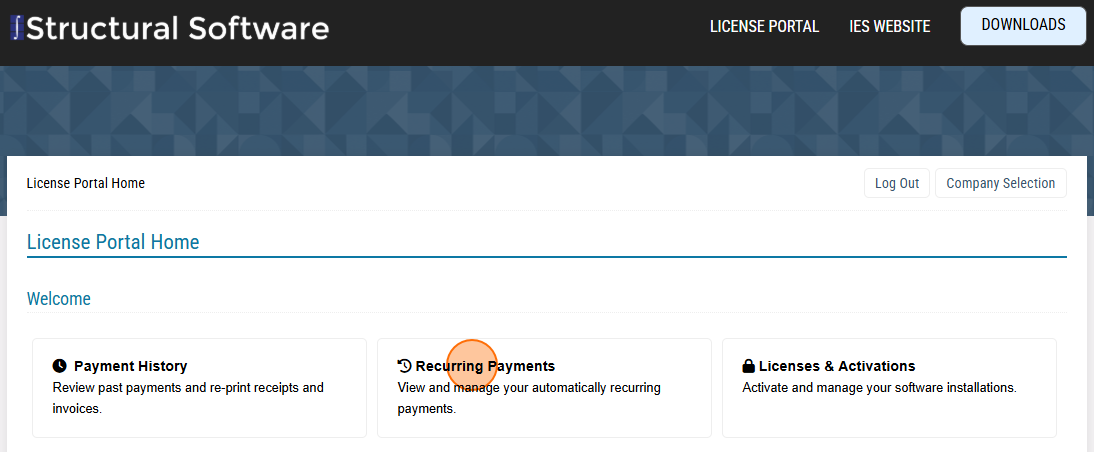
  2. Select "Recurring Payments" to view your scheduled automatic payments.
    Recurring Payments

  3. Select the "Notepad" at the far right to edit the payment information.
    Recurring Payments

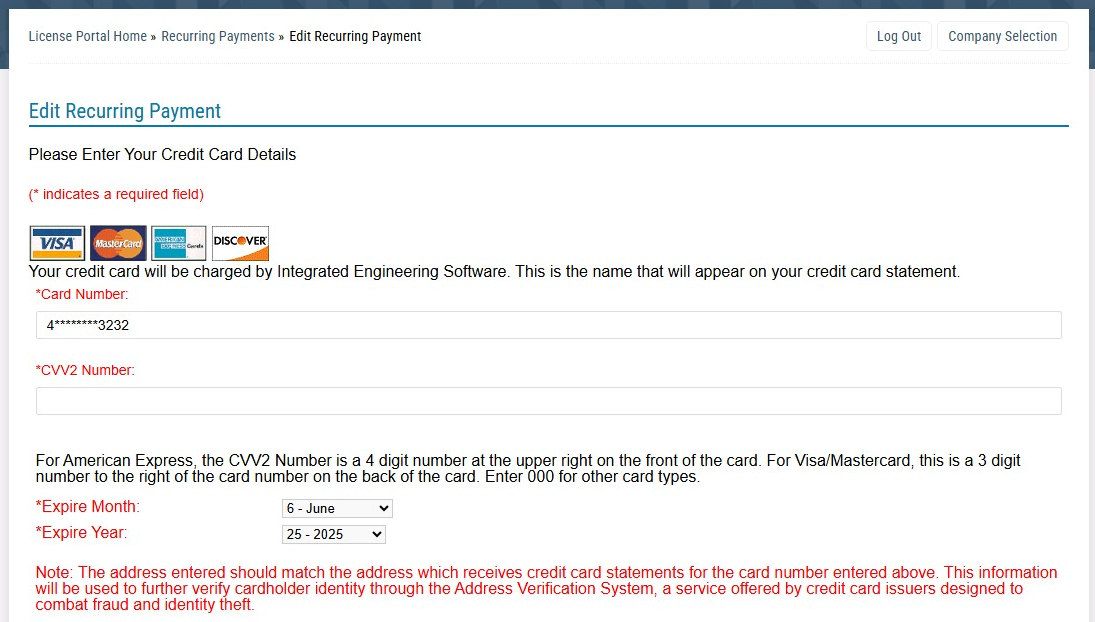
  4. Enter and save your new payment information.
    Recurring Payments